About & Guide
Free hymnal · works offline · no ads, no sign-in
Who built this
Stuti Songs was built by Excel Tech Solutions — a digital agency for churches, businesses, and teams that need clear, reliable software.
Excel Tech Solutions Premium B2B IT services — web design, apps, and digital growth from Lucknow. Visit website →Contact
Reach Excel Tech Solutions using the details below:
Excel Tech Solutions 635/200 Hardasi Khera, Chinhat, Lucknow 226028 Open in Google Maps →Guide
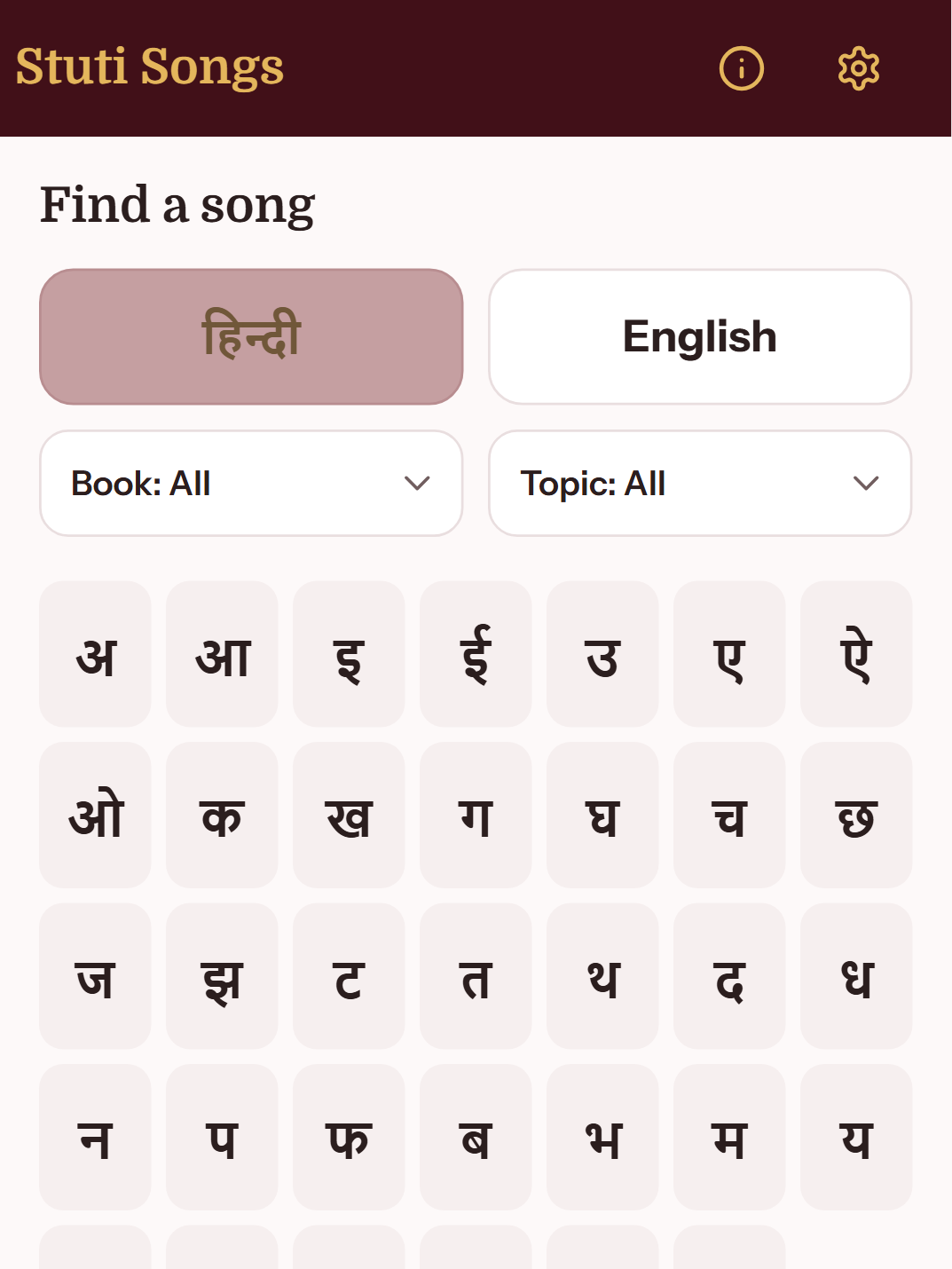
Find a song
1Tap Search in the bottom bar, then हिन्दी or English.
2Tap the first letter of the song.
3Tap the song. Use Book and Topic to narrow.
Find by hymn number
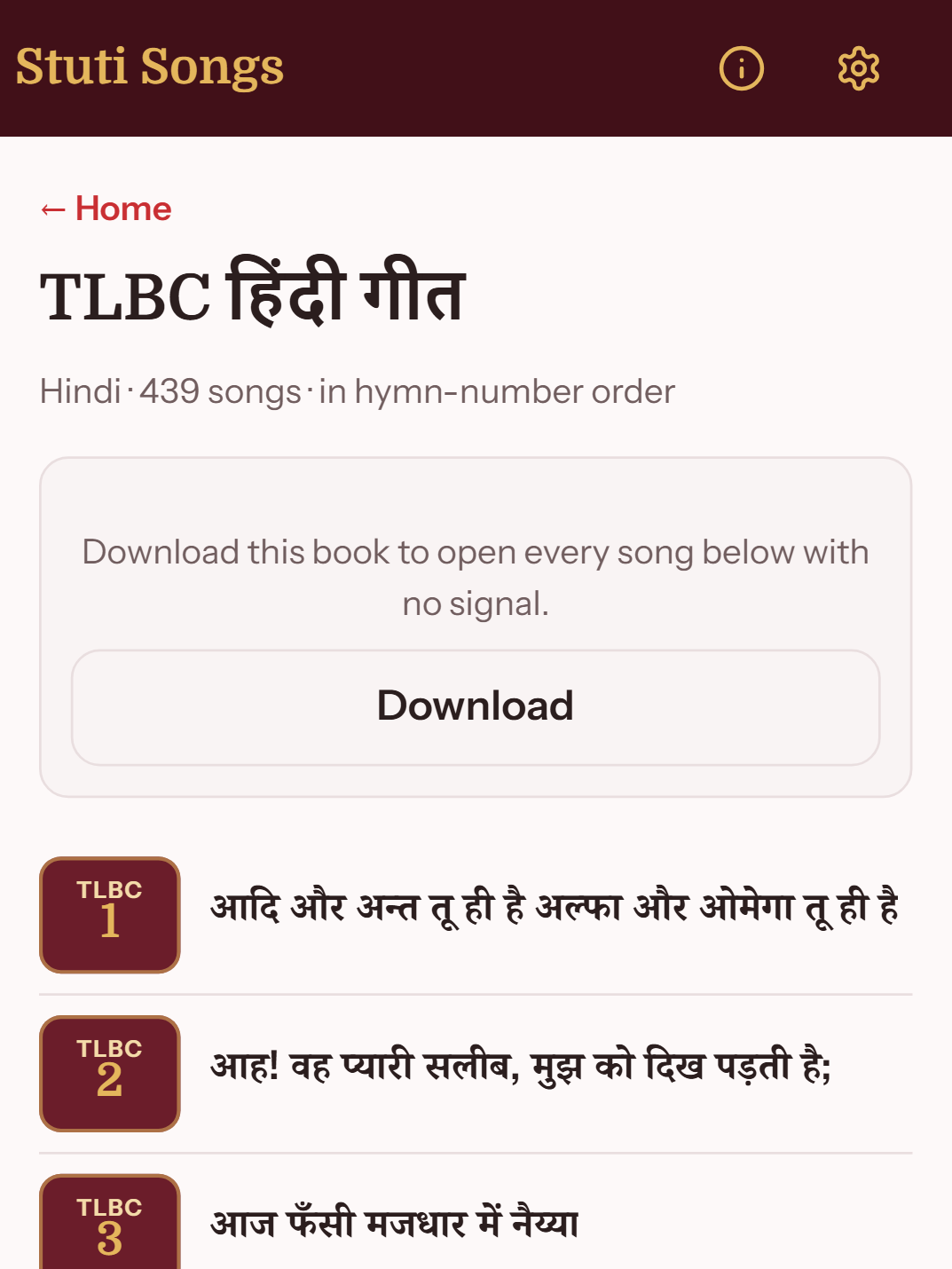
1Home → Hymnbooks → tap your book.
2Songs are in number order. Tap 50, 100… in the jump bar.
Reading
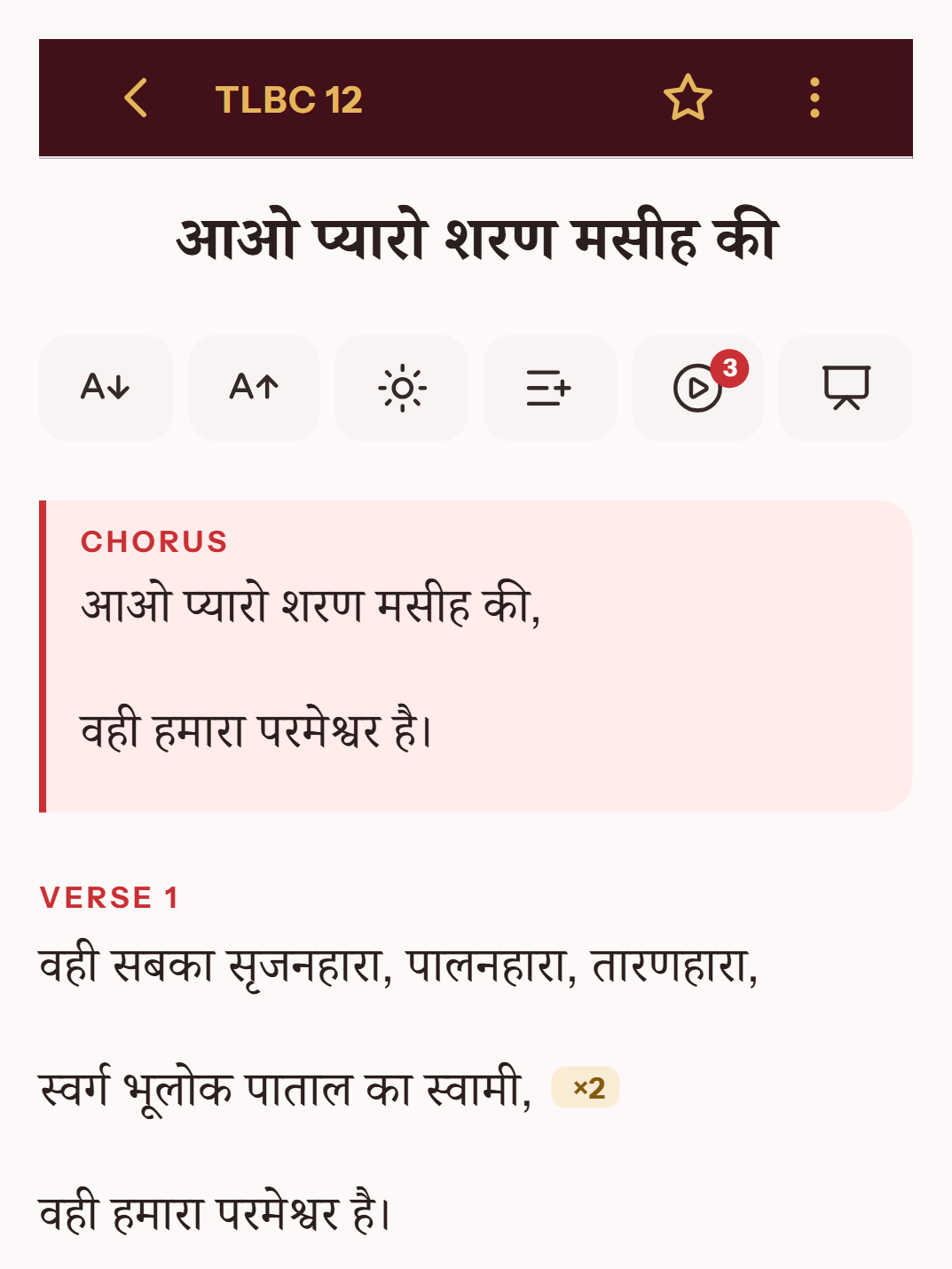
1Use A↓ / A↑ in the toolbar to adjust text size.
2Tap the Sun icon to keep the screen on, or Videos to watch a tune/lyric video.
Plan a set
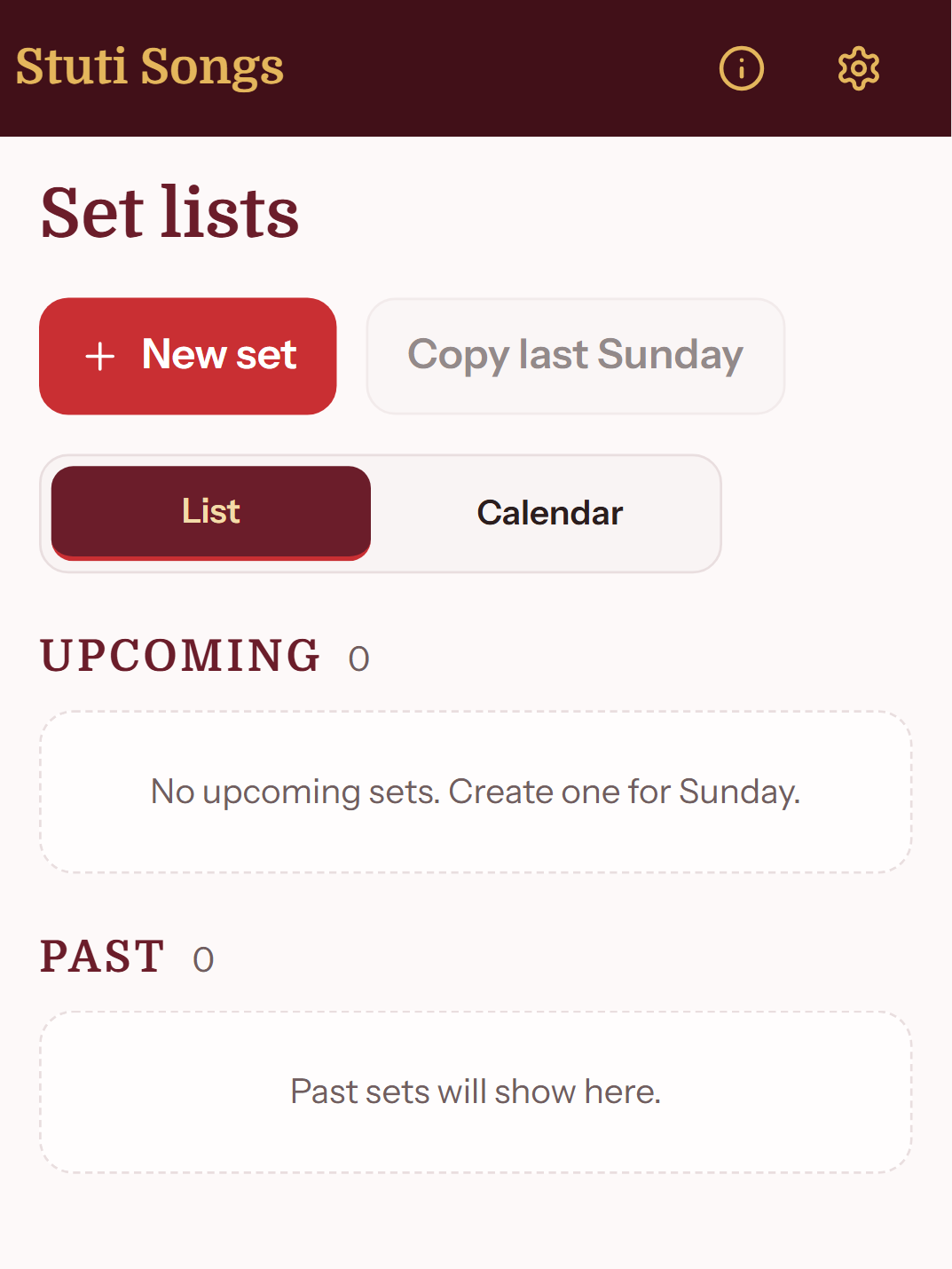
1Sets → New set → pick a service → Create.
2Choose the section, type hymn numbers like 12, 46, and press Enter.
3Tap a song row to set verses (and key, if enabled in Settings).
Share a set
1In the set, tap Share for WhatsApp, Copy link, QR, Calendar, Order of service, or PowerPoint.
Show on a projector
1Tap Present. Keys: → next, ← back, B black screen, Esc exit.
Use without internet
1Offline tab → tap download next to a book → wait for the check mark.
Report a mistake
1Scroll to the bottom of any song and tap Report a mistake (or long-press any line) → write the correct words → Send.
Settings
Tap the gear: Theme (System / Light / Dark), text size, church book, church name. Theme is remembered on every page without refreshing.
FAQ
- No internet? Download books on Offline first.
- Wrong words? Bottom of song → Report a mistake.
- Is it free? Yes. No ads, no tracking.
Version 0.1.0 · data c2f21d9 · 2026-11-29 · Privacy & rights